Connect your first server
After creating your organization, you land on the Add your first server screen. You need at least one server connected before you can open the admin panel.
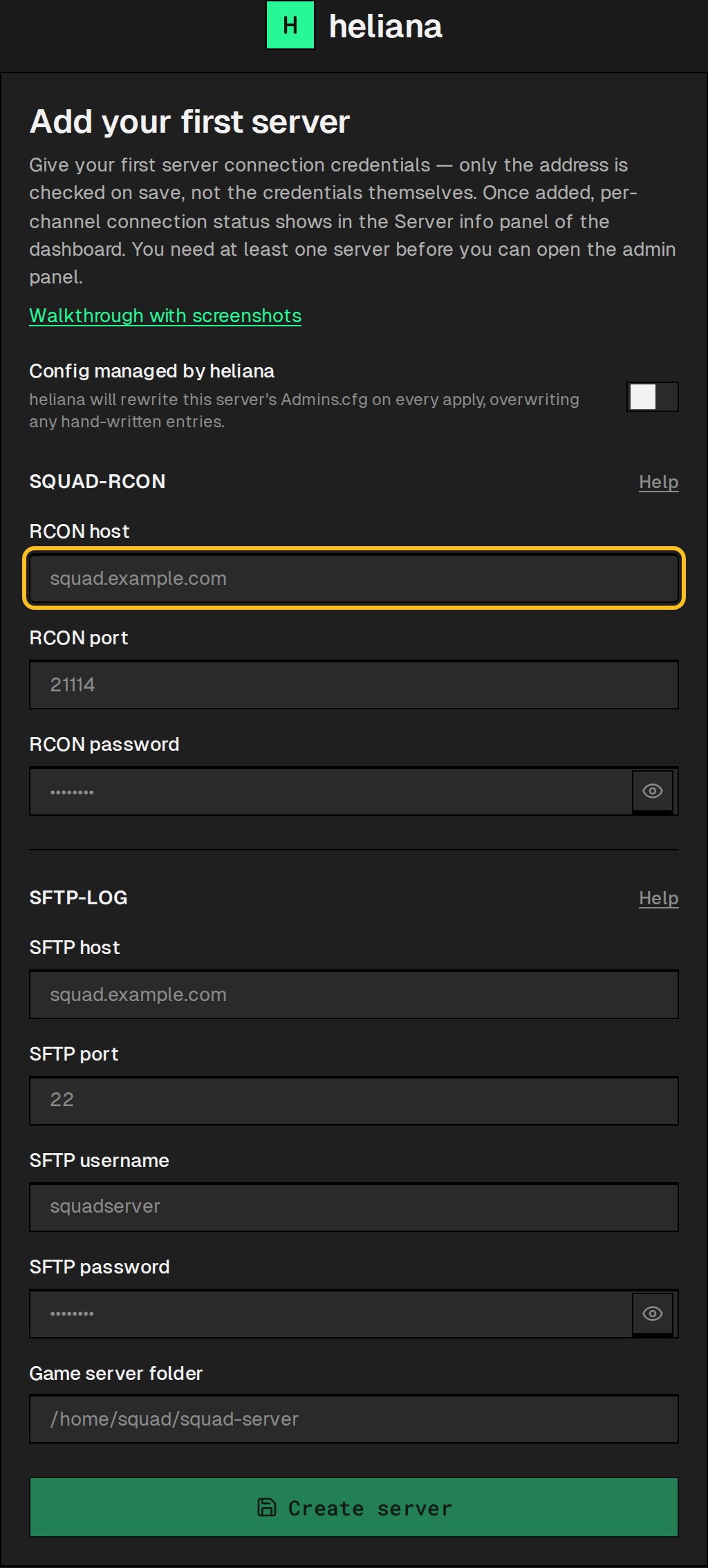
The server name is not entered by hand: heliana reads it from the game server (ServerName_s, over RCON) and keeps it up to date. Until the first RCON connection the server is called Server.
Below that, the form asks for two separate connections: RCON and SFTP.
RCON is what ties log events to players: a log line that names a player waits for the RCON player list, and without one it never reaches the feed — see How heliana parses the Squad log.
| Field | What to enter |
|---|---|
| RCON host | Your server’s IP address, e.g. 12.34.56.78 |
| RCON port | The Port from Rcon.cfg (default 21114) |
| RCON password | The password set in your server’s Rcon.cfg |
For what Rcon.cfg must contain, see Configure RCON.
The SFTP account reads the Squad log, which feeds the live events, combat statistics, teamkill detection and event automations. It needs read access; write access only if you turn on Config managed by heliana (below).
| Field | What to enter |
|---|---|
| SFTP host | Usually the same IP as your game server, e.g. 12.34.56.78 |
| SFTP port | For example 22 |
| SFTP username | The SFTP user for your server, e.g. squadserver |
| SFTP password | The password for that SFTP user. heliana does not support SSH key authentication — enter the account password here |
| Game server folder | The folder your Squad server is installed in — the one that contains SquadGame/, not SquadGame/ itself |
heliana appends the log and admin-whitelist paths under SquadGame/ to the folder you enter — you don’t need to point it at either file yourself. For example, if your install lives at /home/squad/squad-server/SquadGame, enter /home/squad/squad-server.
For what heliana requires of the SFTP account, see Get SFTP access to the Squad log.
Config managed by heliana
Section titled “Config managed by heliana”The Config managed by heliana switch is off by default. While it is off, heliana never touches the server’s Admins.cfg — it does not read or write the file at all. Turn it on and heliana keeps Admins.cfg matching its own list: whenever the file differs, heliana overwrites it on the next apply (about a minute), hand-written entries included, and then reloads the admin config over RCON. That is the only case in which the SFTP account needs write access. On a server that already exists, change the switch on the server’s page (Settings → Servers → the server).
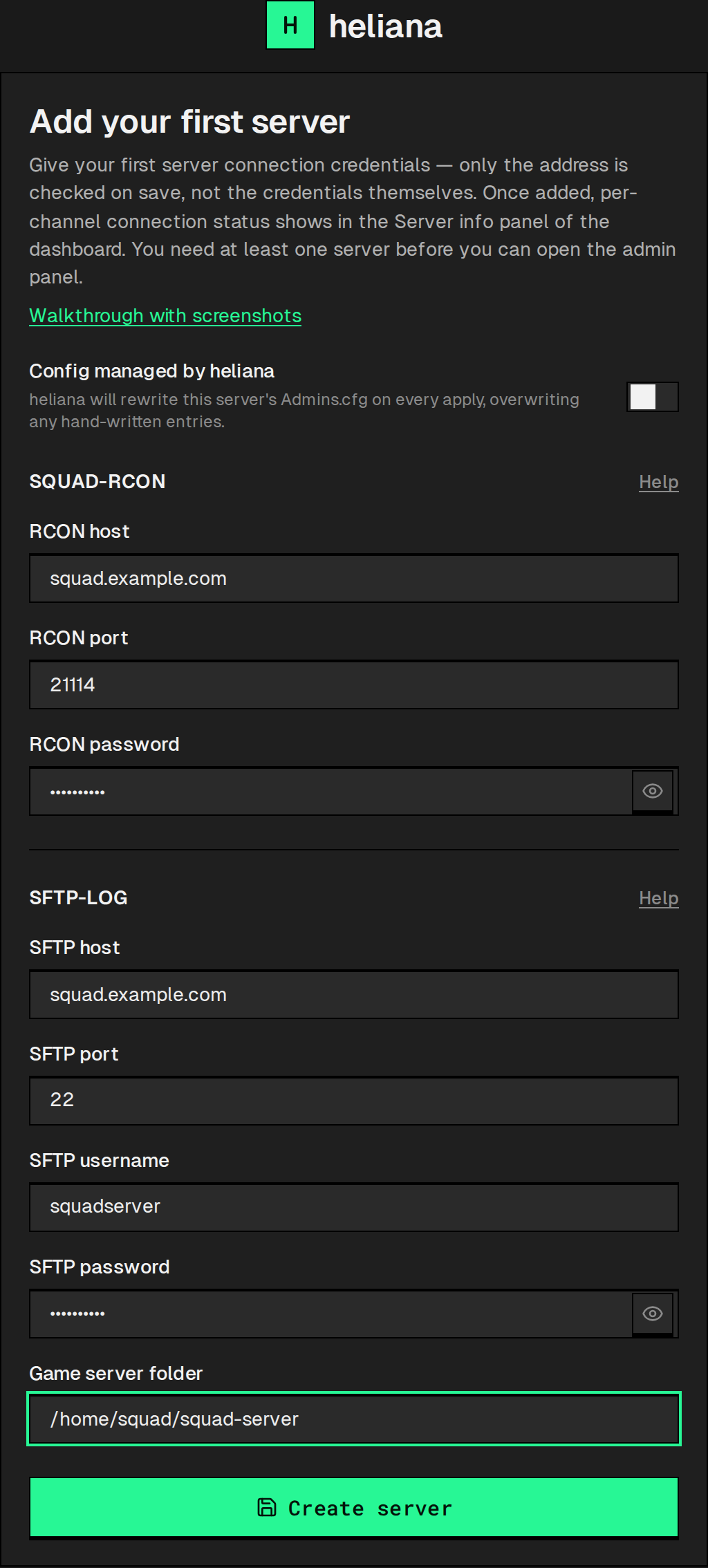
Create the server
Section titled “Create the server”Click Create server; heliana then takes you to the Dashboard, where the live feed fills in as events arrive. Only the RCON and SFTP host addresses are checked on save — heliana refuses an address that points into a private network, but it does not verify the passwords or that the SFTP folder is correct. A refused address shows Address must not point into a private network on that field. The server is already added at that point, without a connection; the form stays open, so fix the address and click Create server again — no second server appears.
Whether RCON is actually reachable shows in the server’s header on the Dashboard: a summary pill (Connected, or the worst channel by name) that opens a list with a status dot for each channel (RCON and SFTP, plus a Config row on servers with Config managed by heliana on). The SFTP dot is a weaker signal: it reports whether the channel is configured, not whether the credentials or the folder are right. See Server won’t connect.